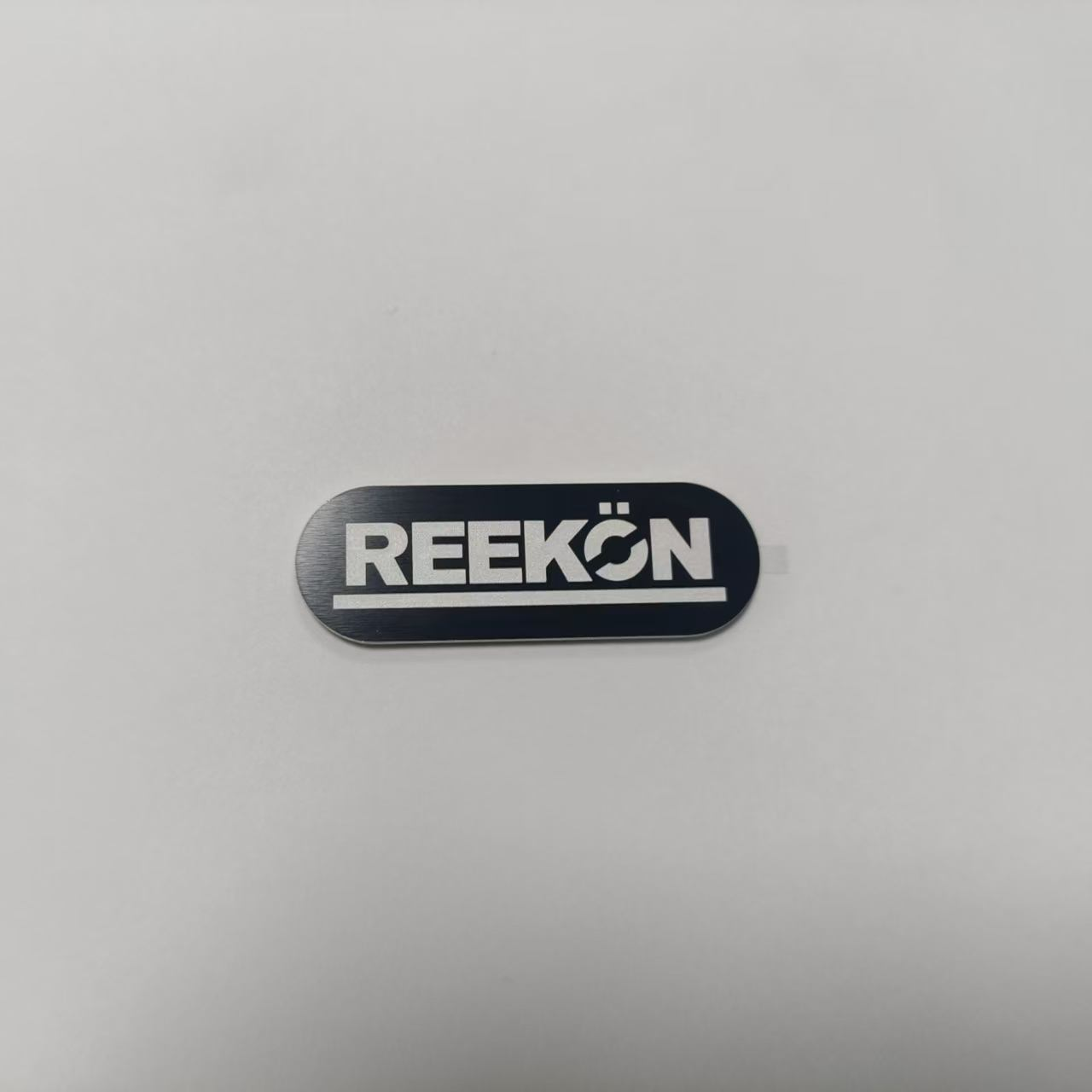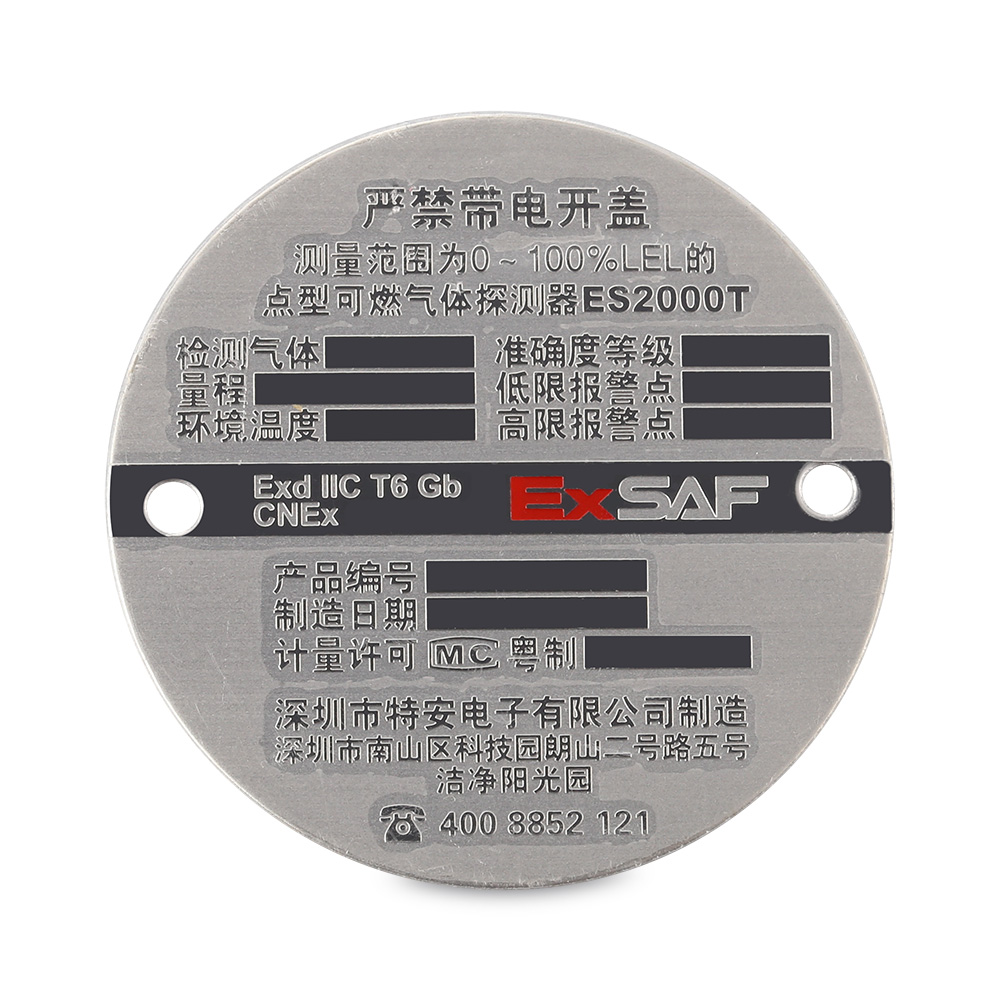
how to print metallic labels
How to Print Metallic Labels: A Complete Guide for Brands & Print Buyers
Metallic labels instantly elevate a product on the shelf. The reflective sheen of silver, gold, or holographic foil signals premium quality, draws the eye, and helps packaging stand out from competitors. But for many small-brand owners and in-house print teams, getting a clean, durable metallic finish is less obvious than printing a regular paper label.
This guide walks through what metallic labels are, the four main printing methods available today, and a practical step-by-step workflow so you can choose the right approach for your run length, budget, and design.

1. What Are Metallic Labels?
A metallic label is any pressure-sensitive label whose surface carries a reflective, foil-like appearance. The metal effect can come from two different sources: the substrate itself (a pre-metallized film stock), or a separate foil layer applied during printing (hot foil, cold foil, or digital foil). Understanding this distinction is the first decision you'll make.
1.1 Common Substrate Types
If you want the whole label face to be metallic, you start with a metallized film rather than ordinary paper.
1.1.1 Bright Silver PP (Polypropylene)
Bright silver PP is a thin, flexible polypropylene film vacuum-coated with aluminum. It has a bright, mirror-like silver finish, good moisture resistance, and is the most cost-effective metallic film for short-to-medium runs. It's commonly used for cosmetics, food packaging, and promotional stickers.
1.1.2 Metallic PET (Polyester)
Metallic PET is stiffer and more durable than PP. It resists heat, abrasion, and UV exposure better, making it the go-to choice for asset tags, outdoor product labels, and industrial equipment markers. PET labels also hold sharper barcodes and small text under thermal transfer printing.
1.1.3 Holographic & Chrome Variants
For a more dramatic effect, holographic PET and chrome PP films carry an embossed diffraction pattern. These are popular for security seals, limited-edition packaging, and event merchandise. Note that holographic stocks require slightly more careful artwork—fine lines can disappear or moiré under the foil pattern.
1.2 Where Metallic Labels Are Used
Metallic labels show up across many categories:
- Beverage, food, and gourmet product packaging
- Cosmetics, skincare, and fragrance containers
- Premium wine, spirits, and craft beer bottles
- Asset tracking and equipment identification (silver polyester)
- Promotional stickers, loyalty cards, and security seals
2. Four Methods to Print Metallic Labels
There is no single "best" way to print a metallic label. Each method differs in tooling cost, minimum run length, finish quality, and the artwork you can use. Here are the four approaches you'll encounter.
2.1 Method One: Thermal Transfer on Metallized Stock
This is the most practical method for in-house teams and small runs. You print standard black (or color) thermal-transfer resin ribbon directly onto a pre-metallized silver PET or PP label. The uncovered silver area shows through as the metallic part of your design—often called silver reveal printing.
How It Works. A thermal transfer printhead heats a wax-resin or resin ribbon as it passes over the label. The ink melts and bonds to the metallized film. Because you're printing on top of the silver rather than applying foil, there are no dies, plates, or minimum order quantities.
Best For:
- Short runs of 1 to a few thousand labels
- Asset tags, barcodes, and variable data labels
- In-house printing with a desktop or industrial thermal transfer printer
- Designs where only part of the label needs to look metallic
2.2 Method Two: Hot Foil Stamping
Hot foil stamping is the classic premium finish. A heated brass die presses a thin aluminum foil film onto the label stock, releasing the metal only where the die touches. The result is a mirror-bright gold, silver, or colored metallic area with a subtle embossed texture.
How It Works. First, a custom brass die is machined from your artwork. The die is mounted on a stamping press and heated (typically 100–140 °C). Foil is fed between the die and the label material; pressure and heat release the foil onto the substrate. After the press lifts, the carrier film winds away, leaving the metal image behind.
Tooling & Run Length. Hot foil requires a physical die, which adds upfront cost and lead time (days to weeks). It's most economical for runs above roughly 3,000 labels. Below that, the die cost per unit becomes hard to justify.
2.3 Method Three: Cold Foil Printing
Cold foil is an offset-press process. Instead of heat and a die, a UV-cured adhesive is printed onto the substrate in the shape of the desired metallic area. Foil is laminated over the wet adhesive; then the sheet is UV-cured. Foil sticks only where the adhesive was printed, and the excess is peeled away.
Advantages & Trade-offs. Cold foil runs inline with CMYK at high speeds (300–450 m/min) and is typically 30–60% cheaper than hot foil for long runs. The finish is slightly less mirror-bright than hot foil, and fine type can be challenging, but it works well for large metallic blocks and background tints. It's best for medium-to-large commercial runs.
2.4 Method Four: Digital Foil (Toner-Reactive Foil)
Digital foil is the game-changer for short runs and prototyping. A digital laser printer first lays down black or clear toner in the areas you want metallic. The sheet then passes through a heated foil applicator (around 110–130 °C). The foil bonds only to the toner; everything else peels away cleanly.
Why It Matters. No die, no plate, no minimum order. You can produce a single metallic label or a batch of 500 with variable data, different designs per sheet, and same-day turnaround. Platforms like Scodix and Konica Minolta MGI use this technology. It is the only metallic decoration method economically viable for runs of 1 to 500 units.
2.5 Quick Comparison
| Method | Best Run Length | Tooling Cost | Finish Quality |
|---|---|---|---|
| Thermal transfer on metallized stock | 1 – few thousand | None | Good (silver reveal) |
| Digital foil | 1 – 500 | None | Very good |
| Hot foil stamping | 3,000+ | High (brass die) | Excellent (mirror bright) |
| Cold foil | 10,000+ | Moderate (plate) | Good (slightly matte) |
3. Step-by-Step: Printing Metallic Labels In-House
If you're using a thermal transfer printer—the most common DIY route—here is a practical workflow.
3.1 Step 1: Choose the Right Label Stock
Pick metallized PET for durability, bright silver PP for flexibility and cost, or holographic stock for visual impact. Make sure the adhesive matches your container surface (water bottles, cardboard, glass, etc.).
3.1.1 Adhesive Selection
Permanent acrylic adhesive. The default choice for most packaging. It bonds well to cardboard, glass, and plastic once applied.
Removable adhesive. Use when you might need to reposition the label or for promotional stickers that should peel off cleanly.
Freezer/cold-storage adhesive. Required if the label will go on frozen or refrigerated products. Standard adhesives fail below freezing.
3.2 Step 2: Pick a Compatible Printer and Ribbon
Most 4-inch desktop and industrial thermal transfer printers (Zebra, TSC, Sato, Brother) will print on metallized film. The key is the ribbon: use a resin or wax-resin ribbon, not pure wax. Pure wax smudges on non-porous film surfaces; resin bonds aggressively to PET and PP and resists chemicals, moisture, and abrasion.
3.3 Step 3: Prepare Your Artwork
Design in your label software (BarTender, Nicelabel, or even Illustrator for larger runs). Keep these principles in mind:
- Leave the silver metallic area unprinted—don't flood it with white ink, or you'll lose the shine.
- Use a thick enough stroke: fine hairlines under 0.75 pt can break up on metallized stock.
- For barcodes, print solid black resin ribbon and verify with a barcode verifier; silver backgrounds can cause low contrast if not printed properly.
- Remember that thermal transfer is essentially monochrome. If you need full-color graphics plus metallic, you'll need a commercial press (digital or offset) rather than a desktop printer.
3.4 Step 4: Load and Calibrate the Printer
- Load the ribbon with the inked (shiny) side facing the label roll—this is a common mistake.
- Load the label roll so the sensors detect the gap or black mark between labels.
- Run the printer's auto-calibration (feed a few labels to set length and sensor sensitivity).
- In the printer driver, set temperature slightly higher than you would for paper—metallized film needs more heat for resin to bond.
- Adjust print speed: 4–6 ips (inches per second) is a good starting point; slower speeds give darker, more durable prints.
3.5 Step 5: Test Print and Inspect
Always print a few samples first. Check for:
- Smudging: rub the print with a finger—if it smears, increase temperature or switch to resin ribbon.
- Faint or broken lines: increase heat or slow down the print speed.
- Wrinkled ribbon: ribbon tension is too tight or the printhead pressure is uneven.
- Misalignment: re-run calibration or adjust the label guides.
- Adhesive edge lift: the stock may be incompatible with your container surface.
4. Troubleshooting Common Metallic Label Problems
4.1 The Metallic Finish Looks Dull or Gray
Usually this means you've printed white ink over the metallic area, or the stock is a lower-grade matte silver rather than bright silver. For thermal transfer, ensure the design leaves metallic areas blank. For foil jobs, confirm the right foil grade and press temperature were used.
4.2 Foil Peels Off or Bubbles
In digital foil, this typically means the toner density was too low or the applicator temperature was off. In hot foil, it points to insufficient pressure, insufficient heat, or a worn die. In cold foil, it's usually an adhesive cure problem.
4.3 Barcodes Don't Scan on Silver Labels
Silver backgrounds can reduce scanner contrast. Print barcodes with a heavy, high-density black resin ribbon, and avoid placing them directly on holographic patterns. Always verify scan grade before full production.
5. Choosing the Right Method for Your Project
Ask yourself three questions:
- How many labels do I need? Under 500 → digital foil or thermal transfer. 3,000–10,000 → hot foil or cold foil on offset. Over 10,000 → cold foil is most cost-effective.
- How much of the label should be metallic? The whole face → start with metallized stock. Specific logos, borders, or text elements → foil stamping or digital foil.
- What is the product environment? Outdoor, freezer, industrial → metallic PET with resin ribbon and permanent freezer adhesive.
6. Final Tips
- Order a small test batch before committing to a full run. Metallic effects photograph differently in person than on screen.
- Work with a label converter early in the design process—they can tell you which method fits your budget and artwork before you invest in dies.
- Consider combining methods: metallized stock plus a spot digital foil accent gives a premium look without the cost of a full hot foil die.
- Store unprinted metallic film rolls in their original packaging; humidity and direct sunlight can dull the finish over time.
Metallic labels don't have to be intimidating. By matching the method to your run length, understanding how the metallic effect is actually created, and running a careful test print, you can achieve a shelf-stopping finish on your first production run.
how does a laser cutter work
Related Article